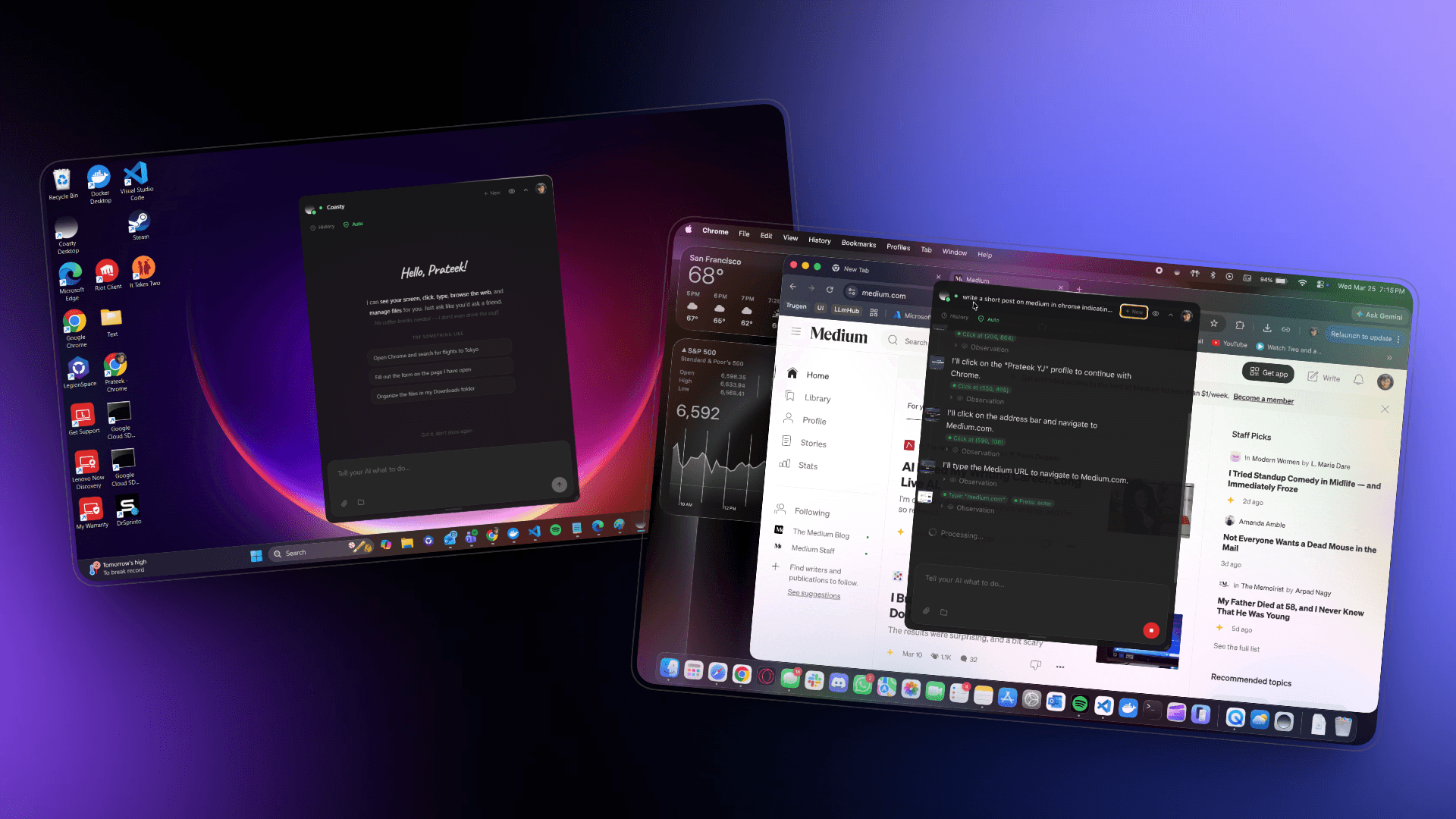
Let Coasty Run Your Computer
Your AI assistant that takes the wheel. Automate your browser, desktop, and terminal, or control your computer from anywhere through our web interface.
Your AI assistant that takes the wheel. Automate your browser, desktop, and terminal, or control your computer from anywhere through our web interface.
A lightweight overlay that floats on your desktop. Control it locally or remotely from any browser, your computer, your way.
Coasty for Windows
Before you install
Coasty Desktop is brand new, so your operating system won't recognize it yet. This is completely normal for newly released apps, here's how to proceed:
Windows SmartScreen will say "Windows protected your PC". Click More info then Run anyway.
macOS Gatekeeper will say "Coasty Desktop can't be opened". Open System Settings > Privacy & Security and click Open Anyway.
Windows
.exe
macOS
.dmg
Windows
- Windows 10 or later
- 64-bit (x86_64)
- 4 GB RAM minimum
macOS
- macOS 11 (Big Sur) or later
- Apple Silicon (M1/M2/M3/M4) or Intel
- 4 GB RAM minimum
Computer-use evals and real-world environments.
© 2026 Coasty
Backed byYCombinator