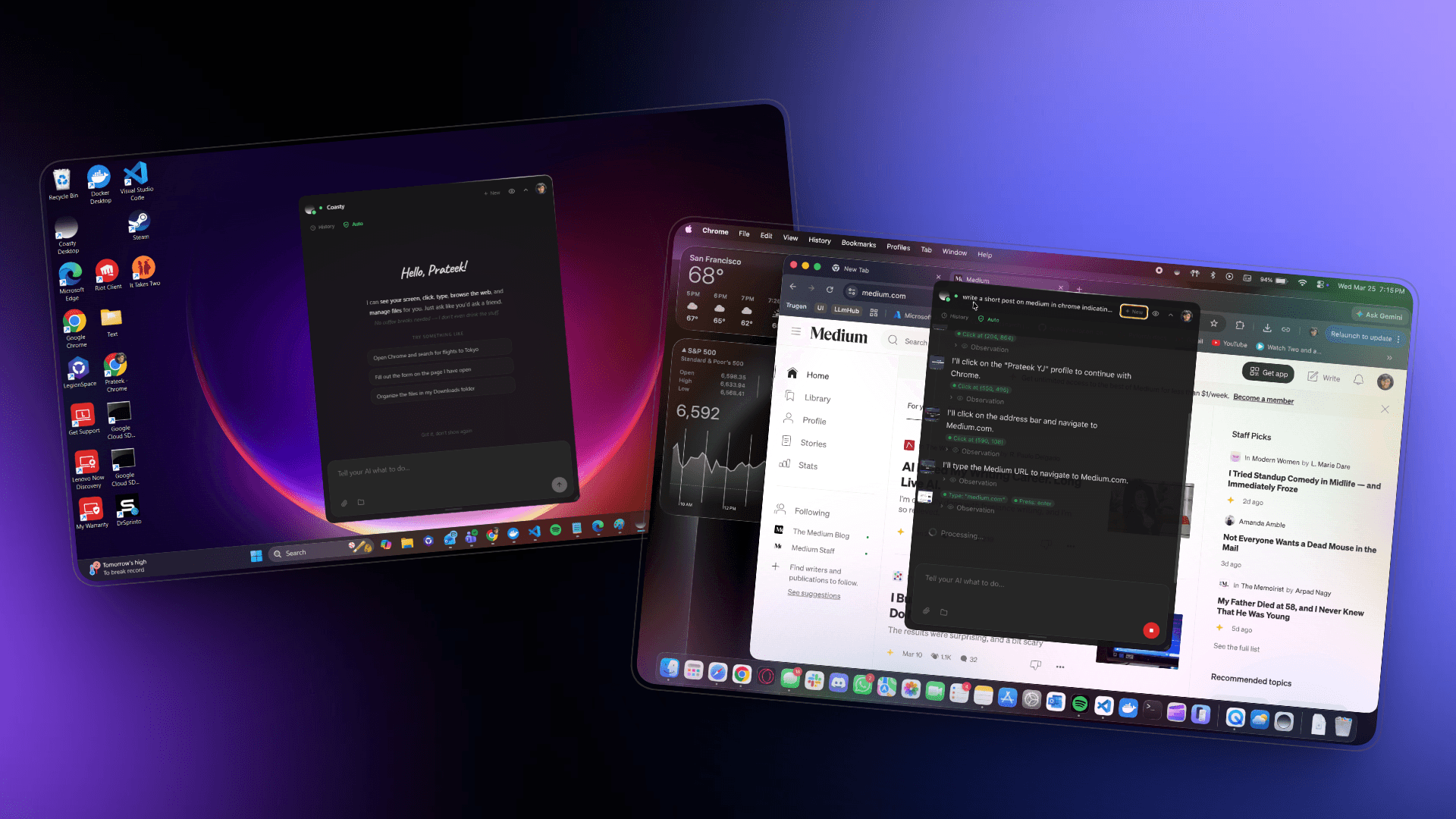
Laat Coasty je computer bedienen
Je AI-assistent die het overneemt. Automatiseer je browser, desktop en terminal — of bedien je computer overal vandaan via onze webinterface.
Je AI-assistent die het overneemt. Automatiseer je browser, desktop en terminal — of bedien je computer overal vandaan via onze webinterface.
Een lichtgewicht overlay die op je bureaublad zweeft. Bedien het lokaal of op afstand vanuit elke browser — jouw computer, jouw manier.
Coasty voor Windows
Voordat je installeert
Coasty Desktop is gloednieuw, dus je besturingssysteem herkent het nog niet. Dit is volkomen normaal voor nieuw uitgebrachte apps — zo ga je verder:
Windows SmartScreen will say "Windows heeft je pc beschermd". Click Meer informatie then Toch uitvoeren.
macOS Gatekeeper will say "Coasty Desktop kan niet worden geopend". Open Systeeminstellingen > Privacy en beveiliging and click Toch openen.
Windows
.exe
macOS
.dmg
Windows
- Windows 10 or later
- 64-bit (x86_64)
- 4 GB RAM minimum
macOS
- macOS 11 (Big Sur) or later
- Apple Silicon (M1/M2/M3/M4) or Intel
- 4 GB RAM minimum
Computer-use evals and real-world environments.
© 2026 Coasty
Backed byYCombinator