桌面应用
让 Coasty 操控您的电脑
为您接管操作的 AI 助手。自动化您的浏览器、桌面和终端 — 或通过网页界面从任何地方控制您的电脑。
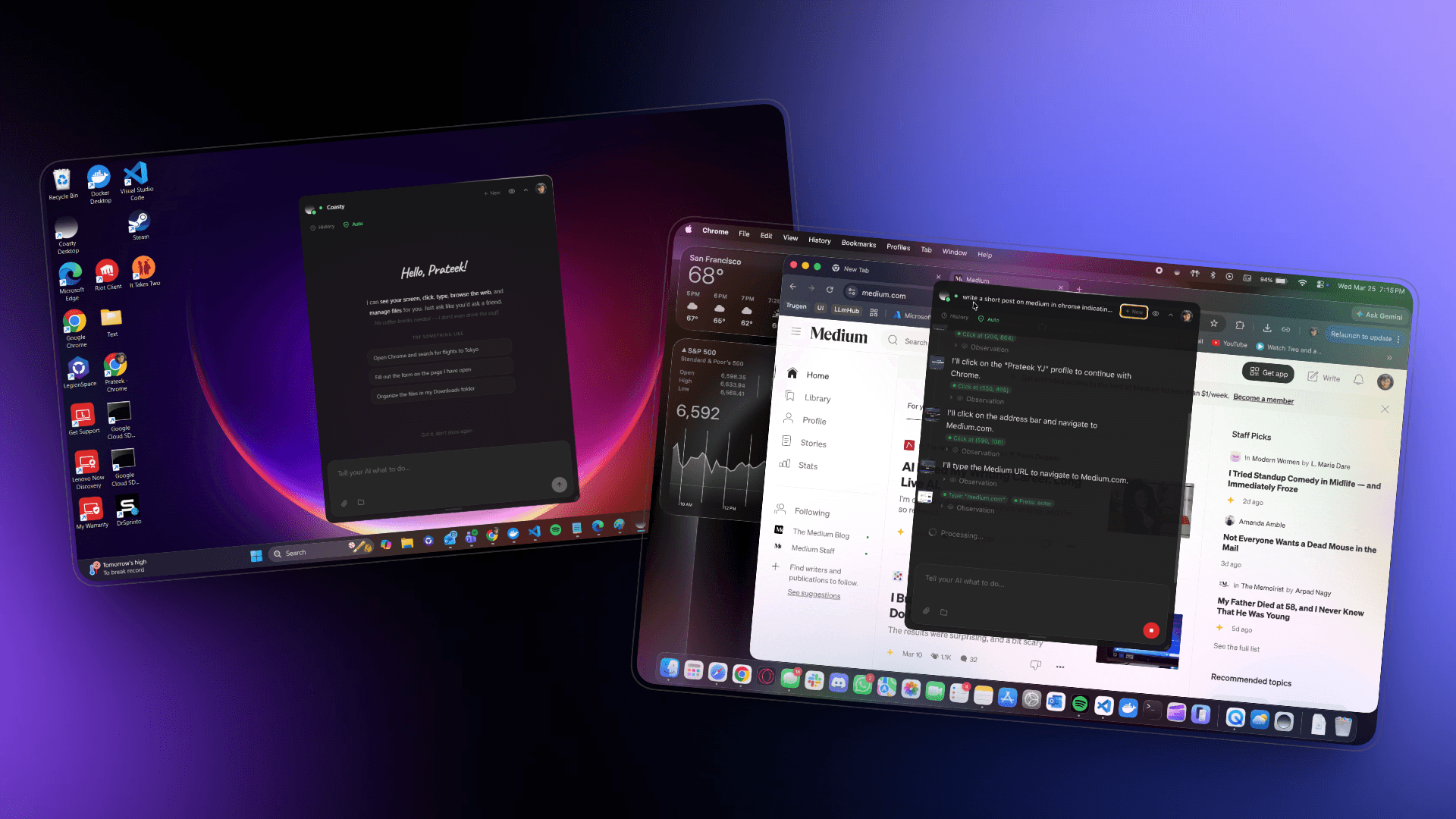
查看实际效果
悬浮在桌面上的轻量级覆盖层。在本地或通过任何浏览器远程控制 — 您的电脑,您做主。
推荐适用于您的系统
Windows 版 Coasty
安装前须知
Coasty Desktop 是全新发布的应用,因此您的操作系统可能暂时无法识别。这对于新发布的应用来说完全正常 — 请按以下步骤操作:
Windows SmartScreen will say "Windows 已保护你的电脑". Click 更多信息 then 仍要运行.
macOS Gatekeeper will say "无法打开 Coasty Desktop". Open 系统设置 > 隐私与安全性 and click 仍要打开.
所有平台
Windows
.exe
macOS
.dmg
系统要求
Windows
- Windows 10 or later
- 64-bit (x86_64)
- 4 GB RAM minimum
macOS
- macOS 11 (Big Sur) or later
- Apple Silicon (M1/M2/M3/M4) or Intel
- 4 GB RAM minimum
包含功能
浏览器自动化
桌面自动化
终端访问
文件操作
自动更新
随处控制
Open Source
Inspect every line.
The desktop app is open source. Browse the code, file an issue, or grab installers directly from GitHub if the auto-download doesn't work for you.
想要从任何地方控制您的机器?
在浏览器中打开 Coasty